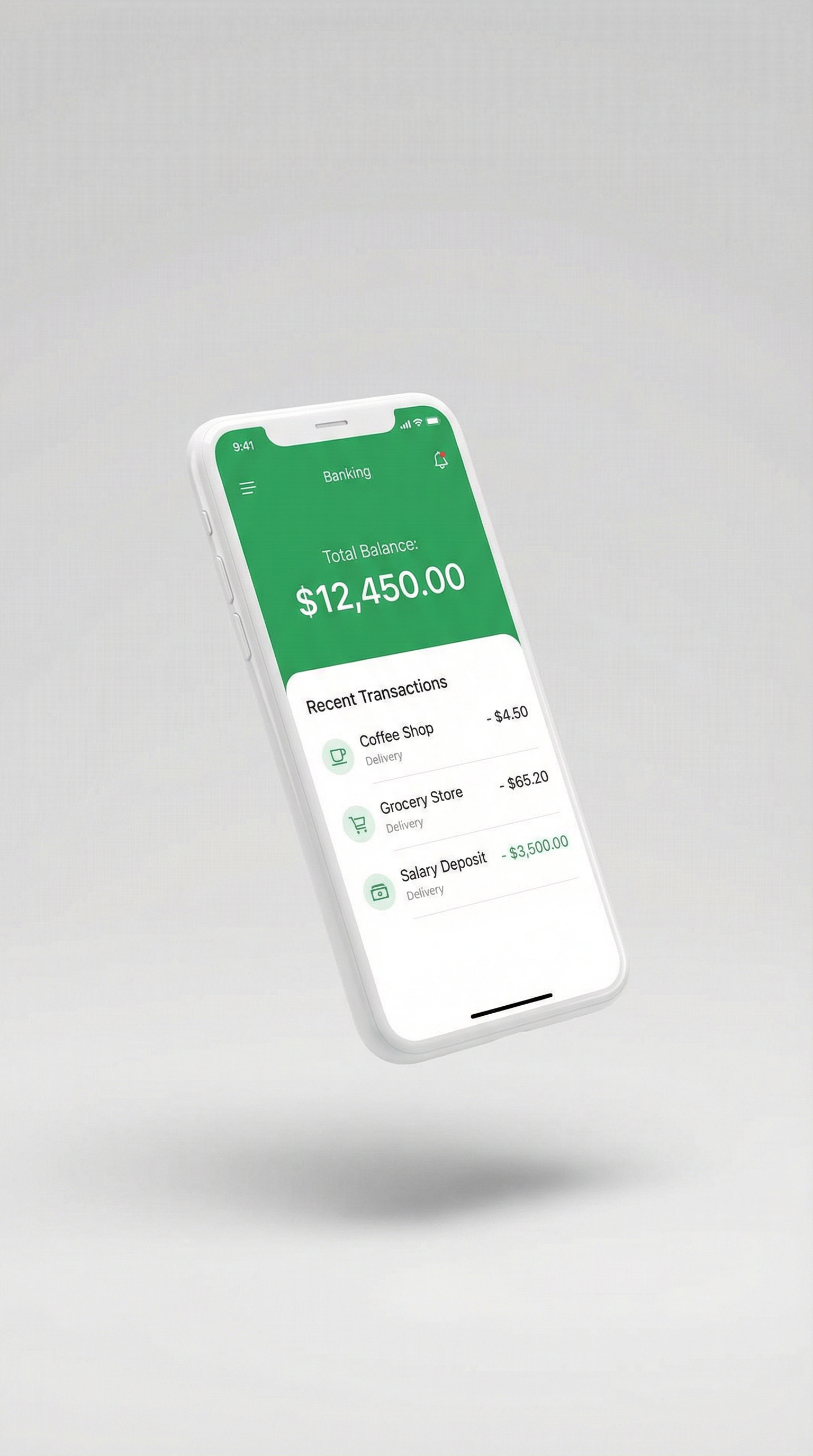
New Mobile Banking Features Released
SECBank is excited to announce the release of our latest mobile banking app update, featuring enhanced security measures and new convenience features designed to make your banking experience smoother than ever.
In response to customer feedback and evolving digital banking trends, we have implemented significant improvements to our mobile application. These updates reflect our commitment to providing secure, user-friendly banking solutions that meet the needs of modern Filipino consumers.
New Security Features
Security remains our top priority. The latest update introduces several advanced security measures to protect your accounts and transactions:
- Biometric Login: Access your account using fingerprint or facial recognition for faster, more secure authentication
- Real-time Transaction Alerts: Receive instant notifications for all account activities
- Device Management: View and manage all devices linked to your account
- Enhanced Encryption: Bank-grade encryption for all data transmissions
- Session Timeout: Automatic logout after periods of inactivity for added protection
Improved User Experience
We've redesigned key features to make banking more intuitive and efficient:
Quick Transfer
Send money to saved beneficiaries with just two taps
Bill Scanner
Scan bills to automatically fill payment details
Budget Tracker
Monitor spending habits with visual analytics
Dark Mode
Reduce eye strain with our new dark theme option
New Services Available
The update also brings new banking services directly to your fingertips:
- Open new savings accounts without visiting a branch
- Apply for personal loans with instant pre-approval
- Schedule recurring payments and transfers
- Request checkbooks and bank certificates online
- Access e-statements for the past 12 months
"Our goal is to bring the full banking experience to your smartphone. With these updates, customers can do almost everything they would do at a branch, from the comfort of their homes."
— SECBank Digital Banking Head
How to Update
The new version is now available for download on both iOS and Android platforms. To update your app:
- Open the App Store (iOS) or Google Play Store (Android)
- Search for "SECBank Mobile"
- Tap "Update" to download the latest version
- Log in with your existing credentials
- Set up biometric login for enhanced security
Need Help?
If you encounter any issues with the update or have questions about the new features, please contact our 24/7 customer support hotline or visit any SECBank branch for assistance.